Sign in to bidcheck
No password. We email you a link and a code that sign you in. New here? Signing in the first time makes your free account: 5 checks every 7 days.
Your account
Get set up0 of 3 done
-
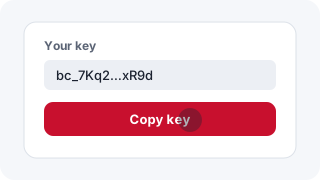
1. Get your key Done
Copy it. The Shortcut asks for it once, the first time.
-
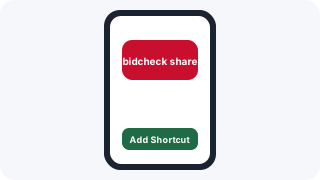
2. Add the Shortcut Done
On your iPhone: tap Add Shortcut, then paste your key when it asks.
-
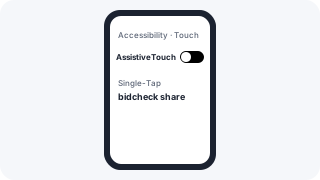
3. Set up the floating button Done
Settings, then Accessibility, then Touch, then AssistiveTouch. Turn it on and set Single-Tap to bidcheck share. In a stream, tap the button to check the card on screen.
Try it now
Open the sample stream on your iPhone and tap your floating button. You'll get the notification, and it doesn't use one of your checks.
Open the sampleYour plan
Your key
Your link